Digital product ideas for artists are downloadable (or streamable) creations you make once and sell repeatedly, like templates, brushes, mini-courses, and printables. The simplest default approach is to start with one product that uses work you already have (like turning your best pieces into a print bundle or turning your process into a short tutorial) and list it on Etsy or Gumroad with clear previews.
Digital Product Ideas For Artists
1. Procreate Brush Set With A Simple Style Promise
Create 10–20 brushes that solve one clear problem, like “clean inking,” “soft painterly blends,” or “grainy graphite texture.”
Include a one-page guide showing your recommended settings and 3 example strokes per brush so buyers get results fast.
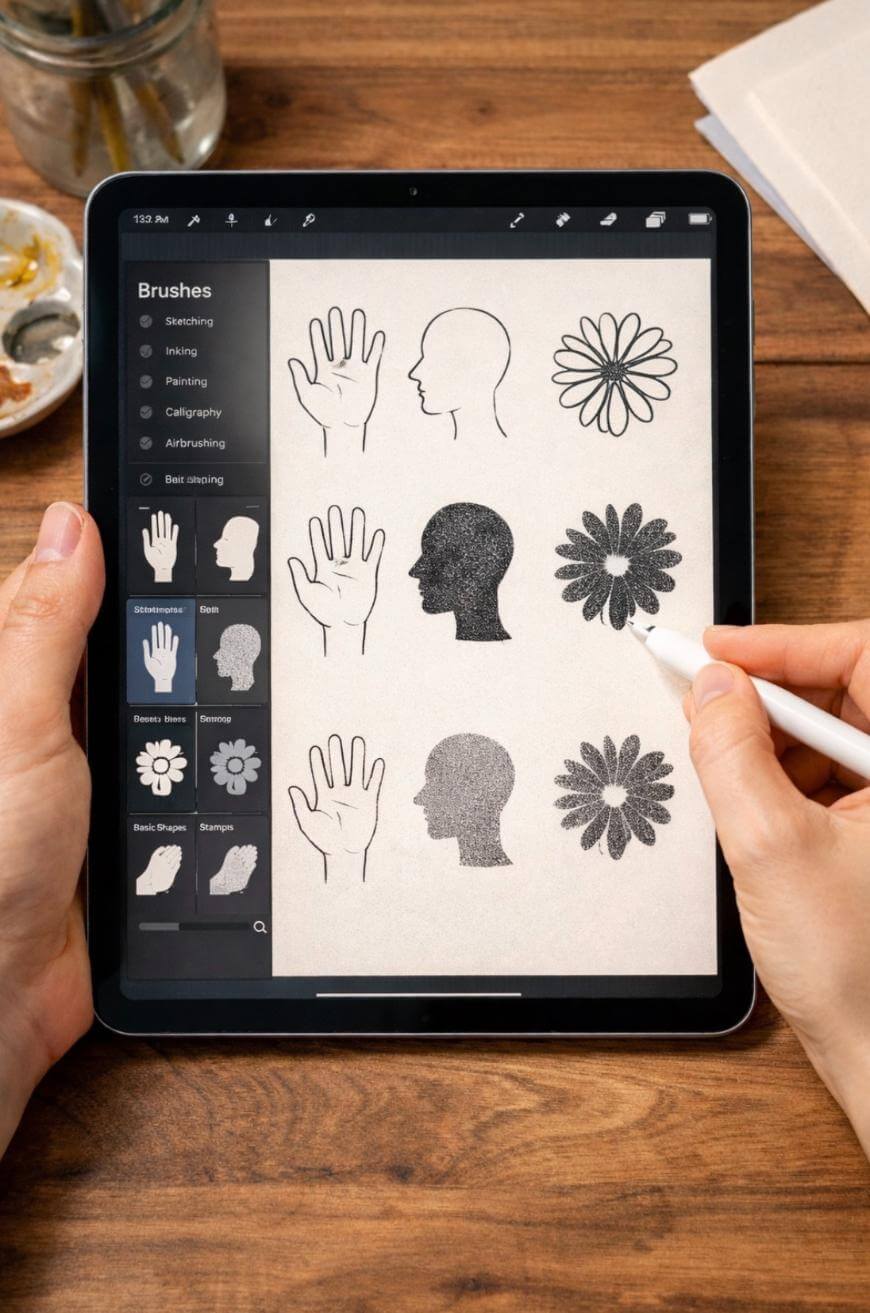
2. Procreate Stamp Pack For Common Shapes
Make stamps for hands, heads, eyes, flowers, leaves, clouds, or fabric folds—anything you draw often.
A strong upgrade is to include 2 versions of each stamp (clean and textured) so artists can match different aesthetics.
3. Photoshop Brush Pack For A Specific Medium Look
Build brushes that mimic watercolor edges, oil bristle marks, chalk, or ink splatter.
Aim for 15–30 brushes and show before/after examples: one flat stroke, then the same stroke with your brush pack applied.

4. Clip Art Bundle In A Cohesive Theme
Offer 50–150 PNG elements in one niche: boho florals, spooky icons, classroom doodles, pets, or holiday motifs.
Include 10 ready-made “scene” compositions to help buyers visualize how to use the elements quickly.

5. Seamless Pattern Pack For Surface Design
Create 12–30 repeating patterns at print-ready size (for example, 3600×3600 px at 300 DPI).
Add a colorway bonus: 3–5 palettes per pattern so buyers can match different brands or seasons without extra work.

6. Color Palette Library For Digital Artists
Sell curated palettes for moods like “moody neutrals,” “sunset pastels,” or “retro 70s.”
A practical numeric guideline is 50–200 palettes total, each with 5–10 colors, plus a swatch sheet for quick import.
7. LUTs Or Presets For Artwork Photography
If you photograph prints or paintings, sell Lightroom presets that make art photos bright, true-to-color, and consistent.
Include a mini “lighting cheat sheet” so buyers know what conditions your presets work best in (window light vs. softbox).
8. Printable Wall Art Set In Multiple Sizes
Turn existing pieces into a coordinated set of 6–12 prints and provide files in common ratios (2:3, 3:4, 4:5, A4).
A good pricing anchor is $12–$29 for a bundle, depending on uniqueness and how many sizes you include.

9. Art Journal Pages And Prompts
Design printable pages with prompts like “draw your week,” “gratitude doodles,” or “self-portrait variations.”
Bundle 30 pages so it feels substantial, and add a 1-page “how to use” for printing at home or on a tablet.
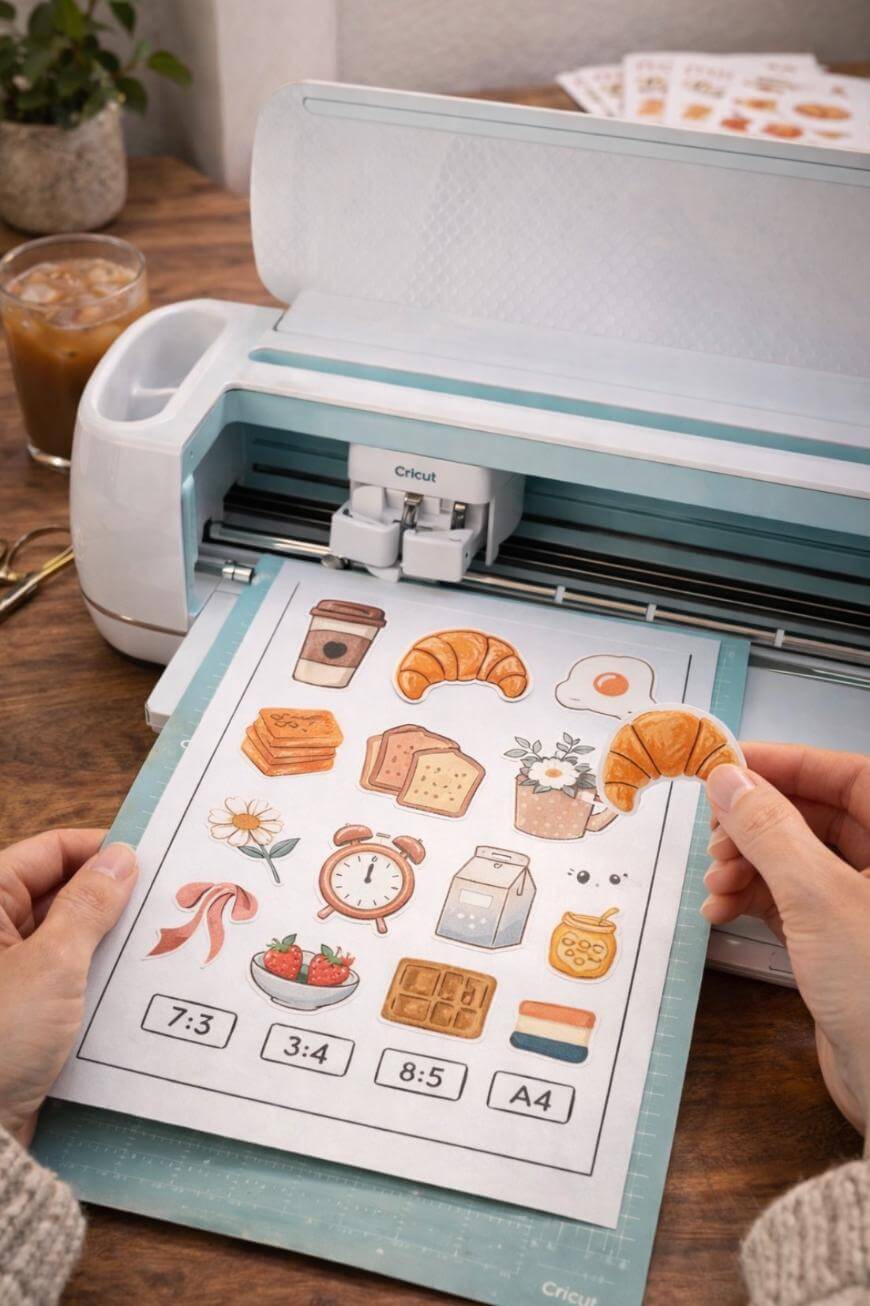
10. Printable Sticker Sheet Files For Cricut Or Cutting Machines
Offer PNG + SVG sticker designs with clean outlines and optional offset borders.
Add an “easy mode” version that’s already arranged in standard sheet sizes (like 8.5×11 in at 300 DPI).

11. Digital Planner Stickers For GoodNotes
Create themed packs like “study,” “wellness,” “budget,” or “content planning,” optimized for iPad note apps.
Buyers love variety, so aim for 300–800 stickers across multiple pages, organized by category for quick searching.
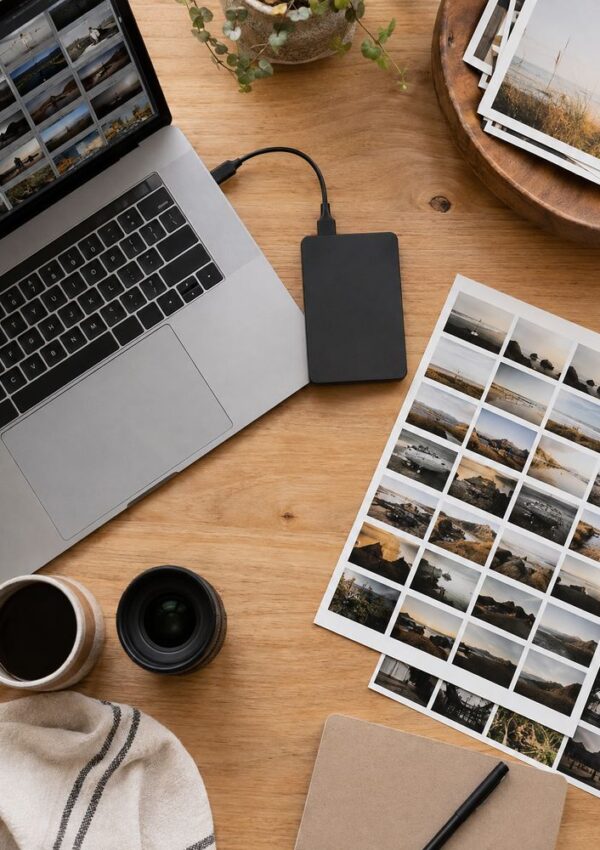
12. Reference Photo Pack You Shot Yourself
Sell your own reference photos: hands, poses, fabric folds, still-life setups, or textures.
A strong pack is 100–300 photos with consistent lighting, plus a labeled index so buyers can find what they need fast.
13. Pose Guide PDF With Your Sketches
Draw 50–150 gesture drawings or pose breakdowns and package them as a printable study guide.
Add a timed practice plan, like “10 poses a day for 14 days,” to make it feel like a complete system.
14. “How I Drew This” Process Pack
Bundle your sketch, line art, flats, shading, and final file layers as a learning resource.
Include a short voiceover walkthrough video (even 5–10 minutes) to boost perceived value without much extra work.

15. Mini Course For One Specific Skill
Teach something narrow like “clean lineart,” “faces in 3 angles,” or “watercolor botanicals,” not “how to draw.”
A simple numeric target is 60–120 minutes total content split into 6–10 lessons so it’s easy to finish.
16. Live Workshop Replay With Downloadable Workbook
Host a live Zoom class once, then sell the replay forever with the worksheets and practice prompts.
Make the workbook 10–20 pages so it’s useful, but not overwhelming for buyers who want quick wins.
17. Commission Pricing Calculator Spreadsheet
Create a plug-and-play spreadsheet where artists enter time, materials, overhead, and desired hourly rate.
Include example scenarios (like “$25/hour, 6 hours, $10 materials”) so buyers understand how to use it immediately.
18. Contract Templates For Freelance Artists
Offer editable templates for commission agreements, licensing terms, and revision policies.
Add a plain-language “what this section means” note under each clause so buyers understand what they are signing.
Have the templates reviewed by an attorney before you sell them, and state clearly that they are a starting point rather than legal advice — contract law varies by state, and selling documents people rely on is a different proposition from selling a planner.
19. Social Media Content Template Pack For Artists
Create Canva templates for reels covers, carousel posts, story stickers, and product launches.
A strong bundle is 30–60 templates with 3 font pairings and 3 color palettes pre-built for quick brand consistency.

20. Etsy Listing Photo Mockups For Art Prints
Sell mockups with frames, gallery walls, desk scenes, and close-up texture shots that suit artists.
Include at least 25–50 mockups, and make sure you provide both vertical and horizontal frame options.
21. Brand Kit For Artists Who Want Consistency
Create a mini brand system: logo text styles, color palette, IG highlight covers, and watermark options.
Offer 2–3 style “routes” (minimal, cozy, bold) so buyers can choose what fits without endless decision fatigue.

22. Email Newsletter Welcome Sequence For Creatives
Write a 5–7 email sequence artists can customize to introduce themselves, share their story, and sell prints or commissions.
Include subject lines and fill-in-the-blank sections so it’s genuinely quick to implement.
23. Patreon Tier Builder Workbook
Create a guided worksheet that helps artists choose tier names, benefits, pricing, and fulfillment workflow.
A clear numeric framework helps: 3 tiers max, 1 digital deliverable per tier per month, and 1 “community” perk.
24. Art Challenge Pack With Daily Prompts
Design a 30-day prompt calendar plus a tracking sheet and shareable graphics.
Add themed variations (easy, medium, spicy) so beginners and advanced artists can both participate.
25. Texture Overlay Pack For Digital Art
Sell high-resolution overlays like paper grain, canvas, halftone, noise, dust, and light leaks.
Include 30–100 overlays as PNGs and a quick guide for blending modes (Multiply, Overlay, Soft Light) for instant results.
26. Fonts Or Hand-Lettered Alphabet Pack
If you letter, sell a hand-lettered alphabet as a font or as PNG letter tiles for posters and logos.
An easy upgrade is to include ligatures or alternate characters so buyers can avoid repetitive-looking text.
27. Printable Coloring Pages In A Signature Theme
Offer 20–50 pages with consistent line weight and a clear audience (kids, cozy adults, fantasy lovers, plant fans).
Bundle options sell well: a smaller set at $7–$12 and a larger set at $15–$29.
28. Digital “Critique Checklist” For Self-Review
Create a one-page checklist artists can run through before posting or submitting work (values, edges, composition, anatomy).
Add a version for specific styles, like portraits or landscapes, so buyers feel it’s tailored and not generic.
29. Portfolio Review Guide For Artists Applying To Jobs
Make a step-by-step PDF on selecting pieces, sequencing, captions, and presenting process work.
Include a “minimum viable portfolio” formula like 8–12 strong pieces with 2–3 shown as process breakdowns.
30. Licensing Kit For Artists Who Want Passive Income
Package a starter guide: what licensing is, how to pitch, email templates, and a simple rate sheet example.
Keep it practical by including an outreach tracker and a list of usage types (web, packaging, print runs) with pricing tiers.
How To Choose The Best First Product
Start With One Buyer And One Use Case
Pick a single buyer type (new digital artists, surface designers, small business owners, teachers) and build for their needs.
If your product could fit everyone, it usually fits no one, so narrow it until the listing practically writes itself.
Use A “One Weekend Build” Rule
Choose something you can build in 4–8 hours using assets you already have, so you ship faster and learn sooner.
A quick win product also makes it easier to improve based on reviews instead of guessing for months.
Set A Clear Value Metric
Decide what you’re selling: saving time, improving results, or adding style.
Your product description should state one measurable benefit like “create 10 patterns in an hour” or “shoot print photos with consistent lighting.”
Price With A Simple Ladder
Offer one entry product ($7–$19), one core product ($19–$49), and one premium option ($49–$199).
That ladder helps you earn from both casual buyers and serious learners without confusing your shop.
Make Previews Do Most Of The Selling
Create 6–10 preview images showing what’s included and what the results look like.
A strong preview set reduces refund requests because buyers understand exactly what they’re getting.
Key Takeaways
Digital products let you sell your art skills repeatedly without trading hours for dollars.
Start with one simple product you can create in a weekend using existing work.
Niche packs with clear outcomes convert better than “everything” bundles.
Include previews, guides, and examples to reduce buyer confusion.
Use a pricing ladder so you can serve different budgets in one shop.
Organize files cleanly and label everything to lower support emails.
FAQ
Can you sell the same digital product on multiple platforms?
Yes, you can sell the same product on multiple platforms unless you agreed to exclusivity somewhere.
Keep your files and branding consistent so customers recognize your work across marketplaces.
What if you do not use Procreate or Photoshop?
You can still sell templates, printables, reference packs, guides, and business tools without any specific art software.
Choose products that match the tools you already use so you can support buyers confidently.
How much should you charge for your first digital product?
Charge based on clarity and completeness, not your follower count.
Many first products land well at $12–$29 for a bundle that saves time and includes multiple files or sizes.
How do you reduce refunds and customer messages?
Use clear previews, list exactly what files are included, and add a 1-page “start here” guide.
Most issues come from buyers not knowing how to import or print, so simple instructions make a big difference.



Leave a Reply