You want to know how to make digital art, and the good news is you can start today with tools you may already own. This guide walks you through the equipment, software, and techniques you need to create your first piece.
You will have a clear path from blank canvas to finished artwork by the end of this post.
Choosing the Right Device and Drawing Tablet
Your device matters more than any other decision you will make when learning how to make digital art. Most beginners start with an iPad and Apple Pencil because the setup is simple and the learning curve is gentle.

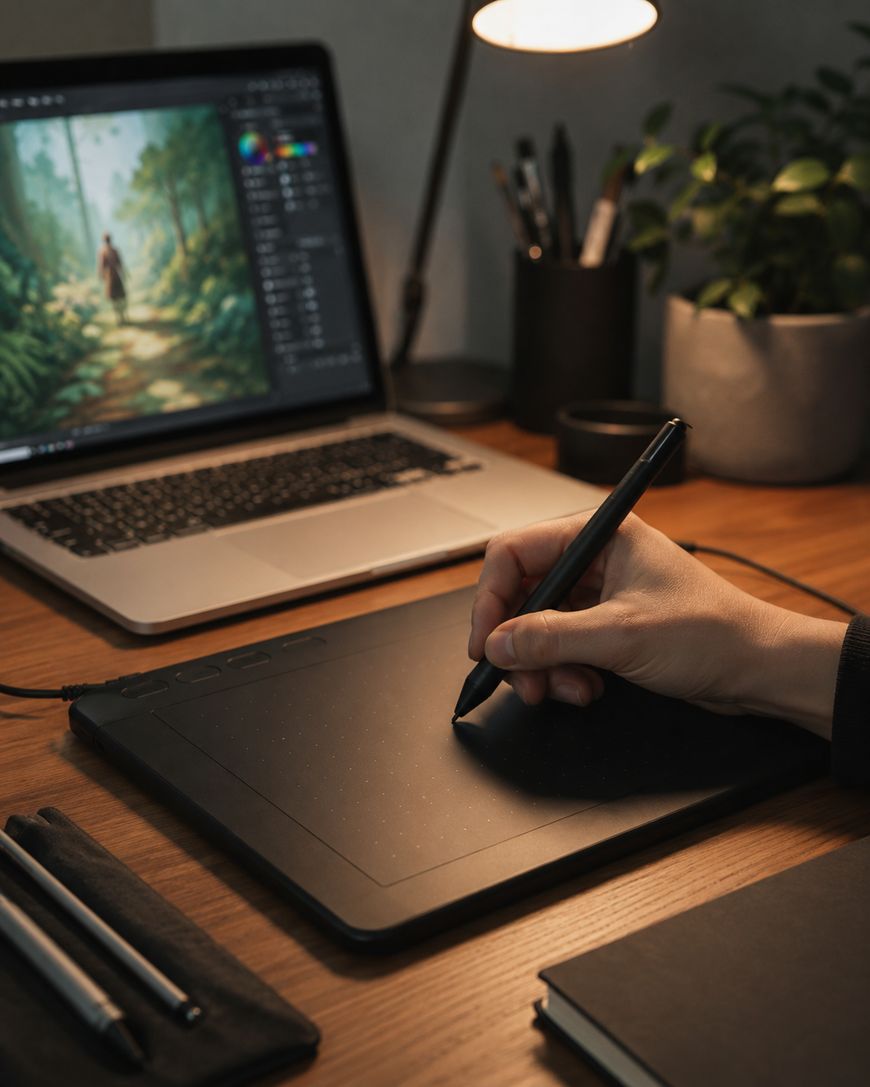
You can also use a tablet with a stylus, like a Samsung Galaxy Tab or a Wacom device connected to a computer. A drawing tablet like the Wacom Intuos gives you a pressure-sensitive surface that mimics the feel of pen on paper. Look for a tablet with at least 2,048 levels of pressure sensitivity so your lines vary naturally in thickness.
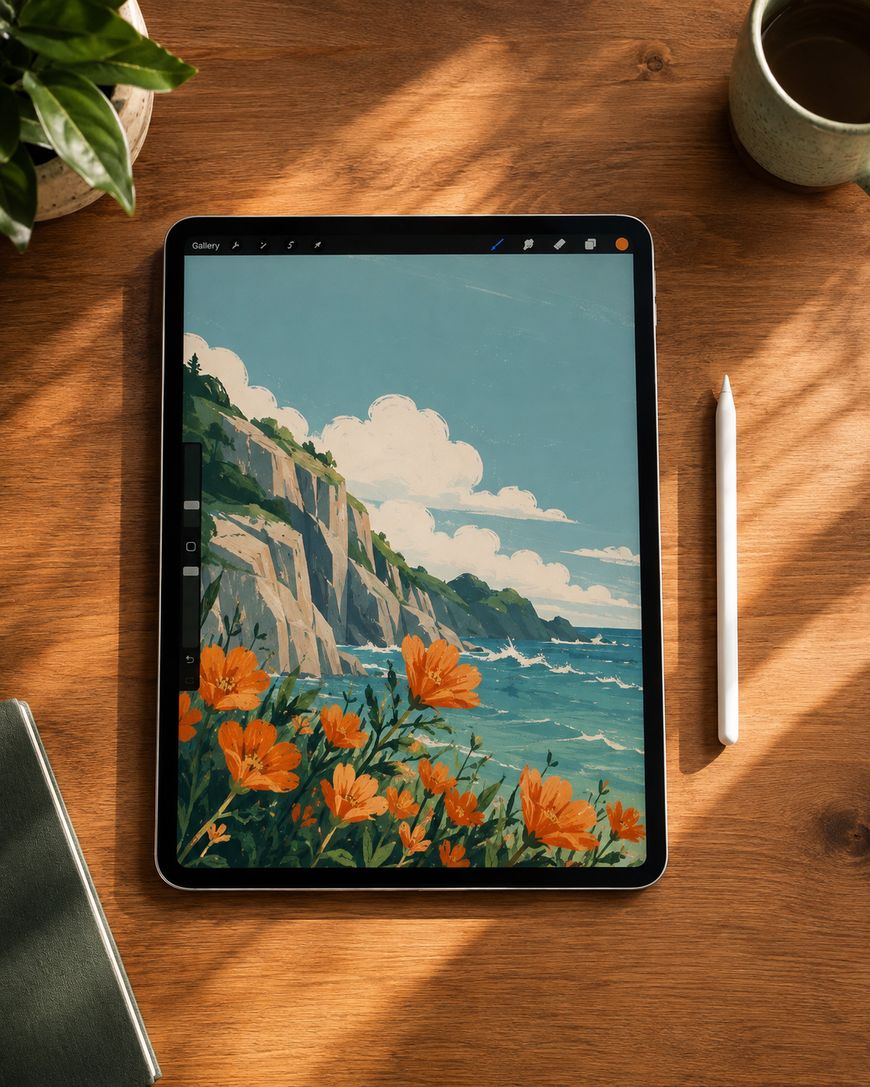
You do not need the most expensive device to start. A budget tablet with a stylus will teach you the same fundamentals as a professional setup. Upgrade later once you understand your personal workflow and preferences.
Picking Digital Art Software That Fits Your Style
Software shapes how you approach every project, so choosing the right program early will save you frustration. Procreate is the most popular choice for iPad users because of its intuitive interface and affordable one-time cost.
Adobe Fresco and Adobe Photoshop offer more advanced tools if you already use other Adobe products. Clip Studio Paint is a favorite among comic and illustration artists because of its specialized brush engine and panel tools. Krita is a free, open-source option that works well on both tablets and desktop computers.

Each program has strengths depending on your goals. Try the free trial or free version of two or three programs before committing to a purchase. This lets you compare brush feel, layer management, and export options firsthand.
Setting Up Your Canvas and Layers
Every digital art piece starts with a properly set up canvas, and getting this right from the beginning prevents headaches later. Choose a canvas size based on your final use — 2000×2000 pixels works for social media, while anything headed for print should be sized in inches at 300 DPI, so an 8×10 print means a 2400×3000 pixel canvas.
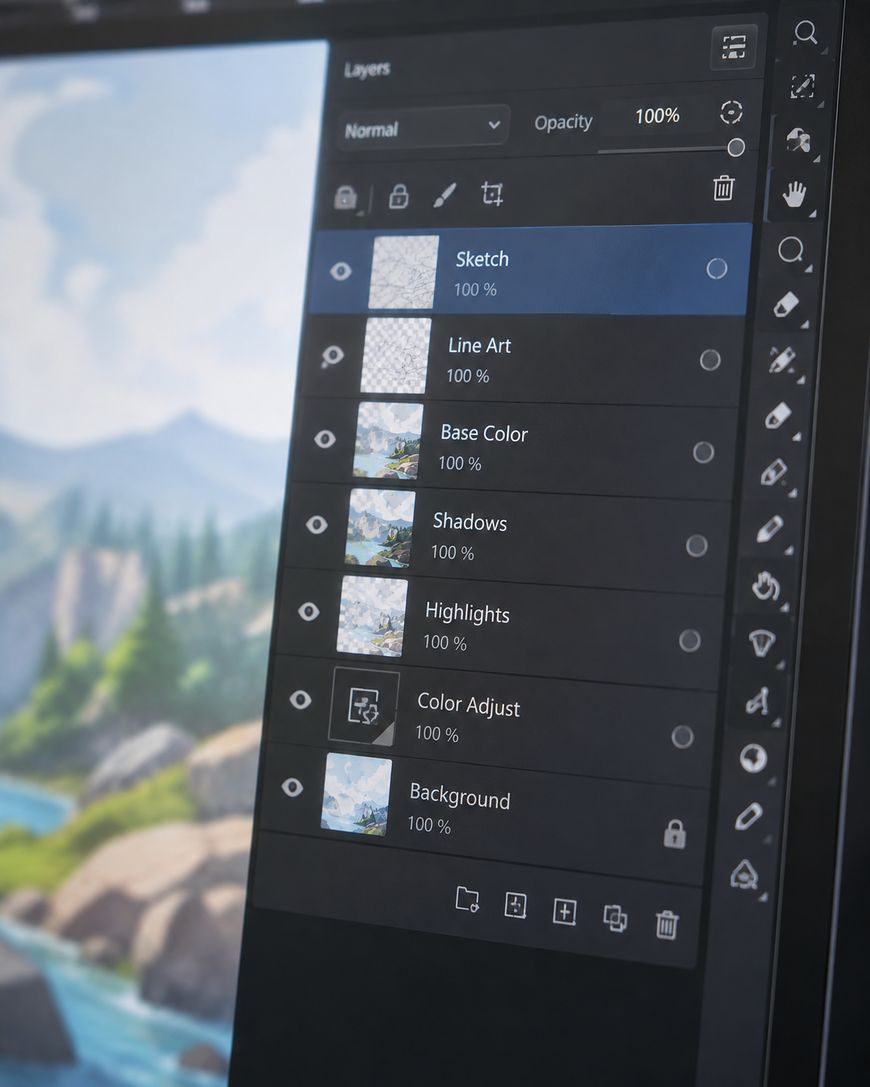
Layers are the backbone of digital art because they let you separate elements like sketch, line art, color, and shading. Keep your sketch on its own layer at low opacity so you can trace over it cleanly. Create a new layer for line art, then another for base colors, and additional layers for shading and highlights.
Naming your layers clearly saves time as your file grows more complex. Group related layers together, such as all layers for a character or a background, so you can toggle visibility and adjust opacity efficiently.
Learning Basic Digital Art Techniques
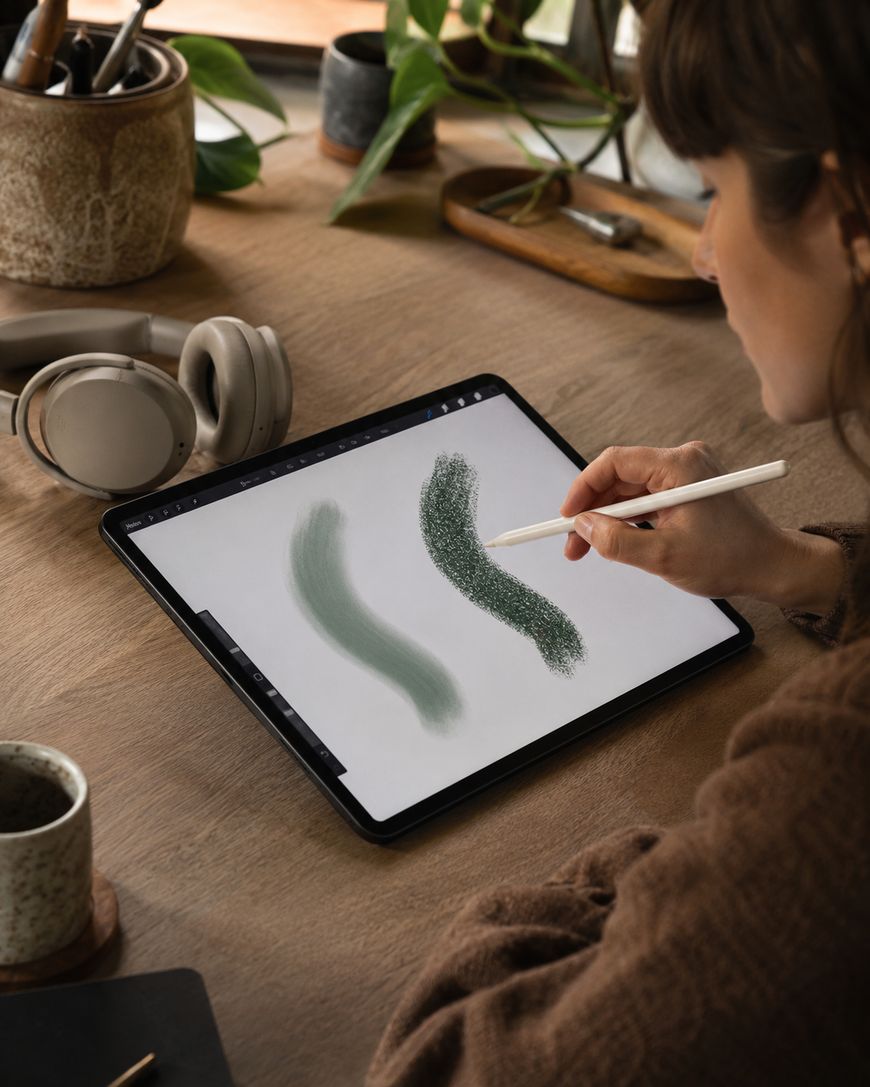
Once your canvas is ready, you need a handful of core techniques to bring your ideas to life. Start with simple line work using a basic round brush before experimenting with textured brushes.
Blocking in flat colors first, then building shadows and highlights on separate layers, gives you more control than painting directly. This technique, sometimes called cel shading when kept simple, is a great starting point for beginners. Use the clipping mask feature to keep your shading contained within your line art without messy edges.
Blending modes like Multiply for shadows and Screen for highlights let you layer color without flattening your artwork. Practice these on simple shapes, like a sphere or a cube, before applying them to a full illustration.
Understanding Color Theory for Digital Work
Color choices can make or break a digital art piece, so a basic understanding of color theory goes a long way. Warm colors like red, orange, and yellow tend to advance and grab attention, while cool colors like blue and green recede into the background.
Most digital art programs include a color wheel tool that shows complementary, analogous, and triadic color schemes. Complementary colors sit opposite each other on the wheel and create strong contrast, which works well for focal points. Analogous colors sit next to each other and create a calmer, more cohesive look.

Building a limited color palette before you start painting keeps your piece visually unified. Many artists save custom color palettes as swatches so they can reuse them across projects and maintain a consistent style.
Practicing With Simple Projects First
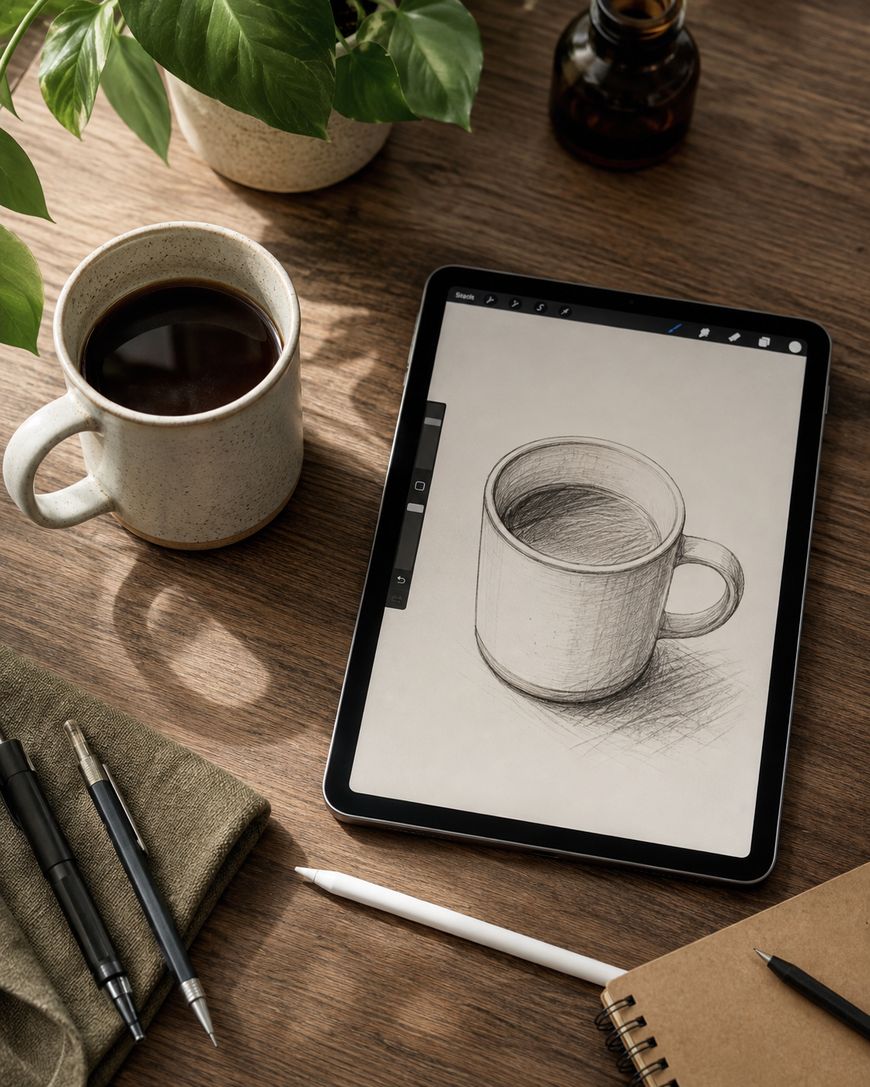
Jumping straight into a complex illustration often leads to frustration, so starting small builds confidence and skill faster. Try recreating a simple object from a reference photo, like a coffee mug or a piece of fruit, to practice shading and form.

Digital art studies of everyday objects teach you how light interacts with different surfaces and materials. Move on to simple character sketches once you feel comfortable with shapes and shading. Set aside 20 to 30 minutes a few times a week rather than waiting for long blocks of free time.
Short, consistent practice sessions build muscle memory faster than infrequent long sessions. Save your practice pieces so you can look back and see how much your skills have improved over weeks and months.
Why Digital Art Is Worth Learning
Digital art offers flexibility that traditional media simply cannot match, which is part of why so many artists have made the switch. You can undo mistakes instantly, experiment with color variations in seconds, and never worry about running out of a specific paint color.
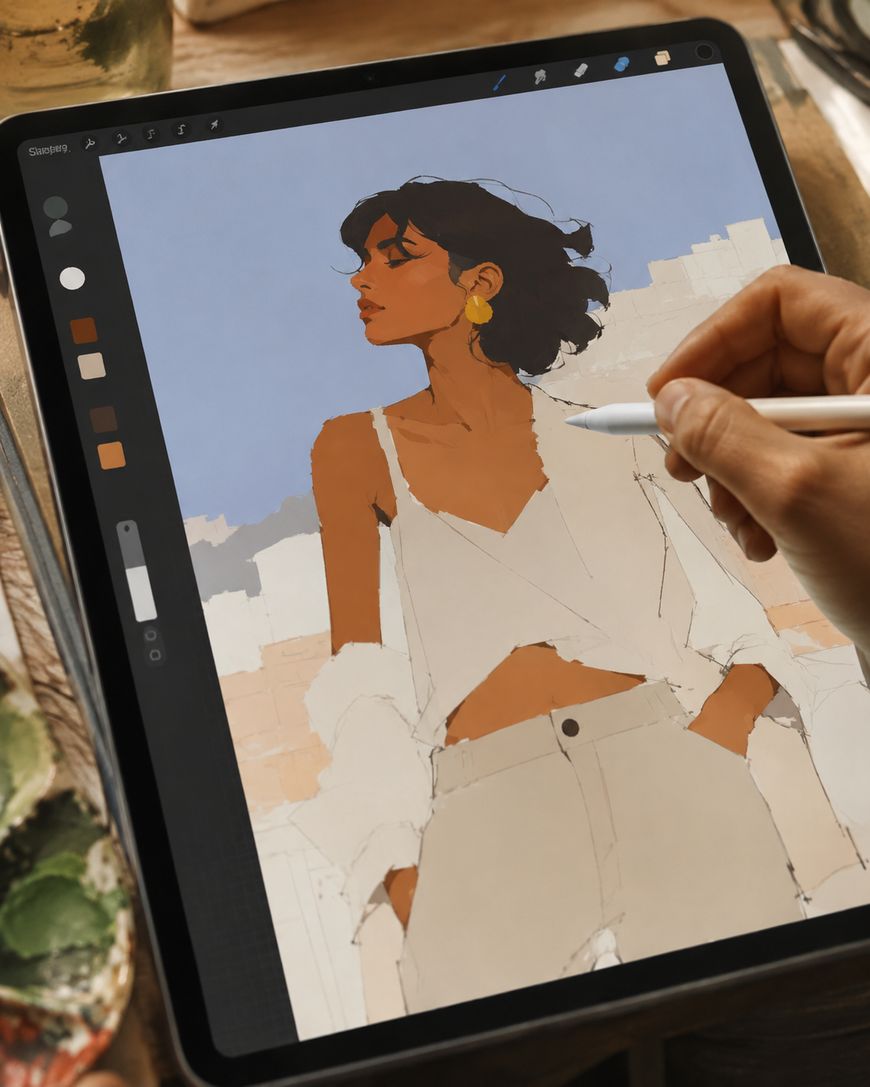
The tools also grow with you. A beginner using basic brushes in Procreate can access the exact same advanced brush engines and blending tools that professional illustrators use. This means your only real limit is practice and patience, not your equipment.

Digital art skills also transfer well into other creative fields, including graphic design, animation, and even product design for print-on-demand shops. Learning how to make digital art now can open doors to hobbies and income opportunities down the road.
Frequently Asked Questions
Do I need an expensive tablet to start making digital art?
You do not need an expensive tablet to begin. A budget stylus and tablet, or even a basic drawing tablet connected to your computer, will teach you the fundamentals. You can upgrade your equipment later once you understand your personal workflow.
What is the easiest software for beginners learning digital art?
Procreate is widely considered the easiest software for beginners because of its clean interface and gesture-based controls. Krita is a strong free alternative if you are on a desktop computer. Both programs offer tutorials built into their interfaces to help you get oriented quickly.
How long does it take to get good at digital art?
Most people notice real improvement after a few months of consistent practice, though the timeline varies by person. Practicing a few times a week for 20 to 30 minutes builds skill faster than sporadic long sessions. Patience and repetition matter more than natural talent.
Can I make digital art without a drawing tablet?
You can start with just a mouse or trackpad, though a tablet and stylus will make the process much smoother. Pressure sensitivity from a stylus allows for more natural line variation that is difficult to achieve with a mouse. Many artists start with a mouse and upgrade once they commit to the hobby.
What file format should I export my digital art in?
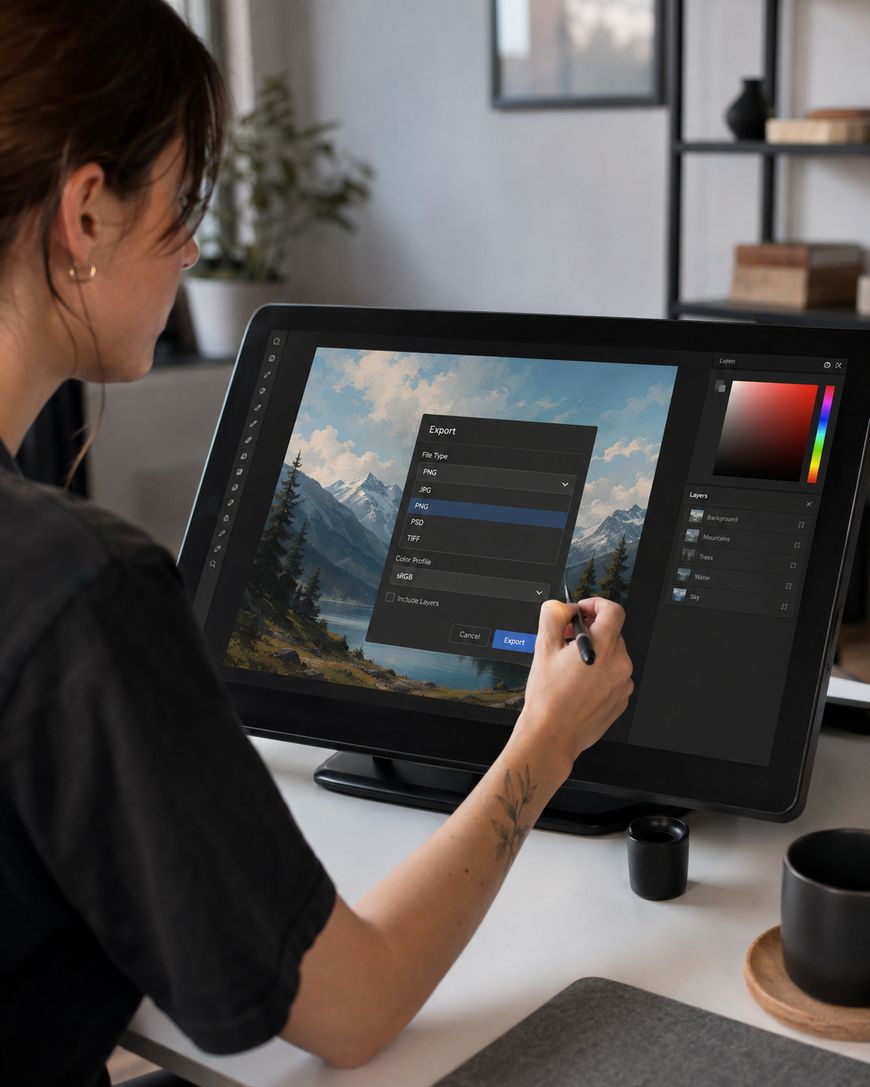
PNG files work well for artwork with transparent backgrounds, while JPEG is better for smaller file sizes when transparency is not needed. If you plan to print your artwork, export at 300 DPI in a TIFF or high-quality PNG format. Always keep a layered file, like a PSD or Procreate file, so you can make edits later.
Do I need to know traditional drawing skills before starting digital art?
Traditional drawing skills can help, but they are not required to start making digital art. Many successful digital artists learned drawing and digital tools simultaneously. Understanding shapes, proportions, and shading will develop naturally as you practice in your chosen software.
Start Creating Your First Digital Art Piece Today
You now have the foundation you need to start making digital art, from choosing a tablet to understanding layers and color theory. Pick one simple project, set up your canvas, and give yourself permission to make a piece that is not perfect. The best way to learn how to make digital art is to open your software and start drawing today.



Leave a Reply